
Counting to 10 Digital and Printable Arrays: Christmas Theme
Recommended Grade Level:
Type of Resource: PDF
Number of Pages: 17

Coordinating Activities


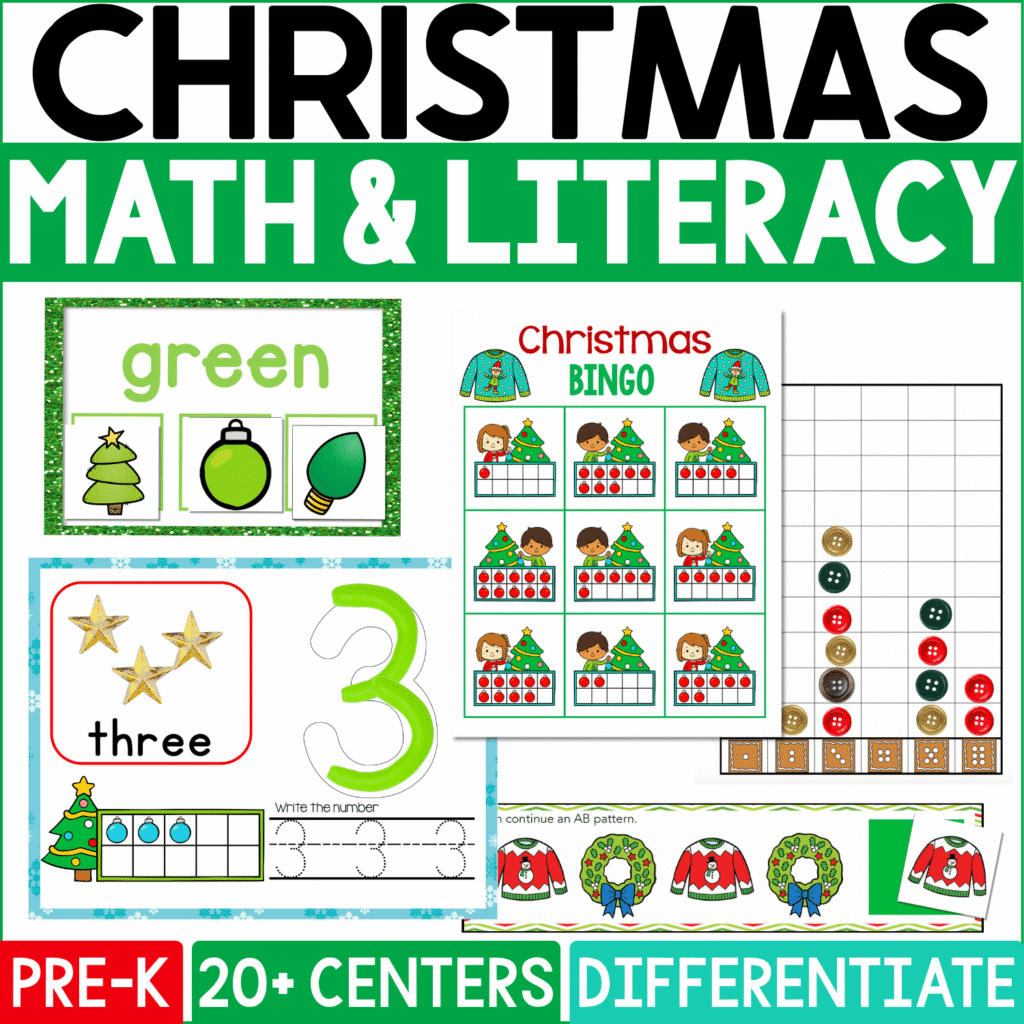
Counting to 10 Digital and Printable Arrays: Christmas Theme
- Google Slides and Seesaw versions with drag and drop ornaments
- 10 printable counting mats for 1-10, each with a number word, a ten frame and a number to trace
- Ornament pieces to cut out
The PDF has the Google Slides and Seesaw links at the front, then the printable mats.
Required Materials:
- Computer, tablet or Chromebook
- Google Slides or Seesaw account
- For the printable: paper, printer and ink, laminator, scissors, dry erase marker
Standards for Counting to 10
These counting mats support early math standards connected to counting objects, cardinality and writing numbers.
Common Core State Standards
- CCSS.MATH.CONTENT.K.CC.B.4: Understand the relationship between numbers and quantities; connect counting to cardinality. Kids put the right number of ornaments on each tree.
- CCSS.MATH.CONTENT.K.CC.A.3: Write numbers from 0 to 20. Represent a number of objects with a written numeral 0-20. Kids trace the number on each mat.
Texas Prekindergarten Guidelines
- PK4.V.A.2: Child counts up to 10 objects with one-to-one correspondence. Kids count each ornament as they place it.
- PK4.V.A.3: Child counts up to 10 items and demonstrates cardinality by communicating that the last number indicates how many items are in the set. Kids say how many ornaments are on the tree.
Virginia Mathematics Standards of Learning
- K.NS.1.a: Use one-to-one correspondence to determine how many are in a given set. Kids count each ornament one at a time.
Counting to 10 Digital and Printable Arrays: Christmas Theme is a set of Christmas counting mats with Google Slides, Seesaw and printable versions for numbers 1-10.
Decorate the tree! Each mat has a number word, a ten-frame and a number to trace. Kids add ornaments to the ten-frame to show the number.
Use the Google Slides and Seesaw versions with drag and drop ornaments, or print the 10 mats and cut out the ornament pieces.
Ten-frames help kids see numbers in groups, which builds number sense for adding and subtracting later.
The PDF has the Google Slides and Seesaw links at the front, then the printable mats.
How to Use Counting to 10 Digital and Printable Arrays: Christmas Theme
- Choose the digital or printable version.
- Read the number on the mat.
- Add that many ornaments to the ten-frame.
- Trace the number.
- Count the ornaments to check.
Small Group: Use the printable mats and count together.
Independent Practice: Assign the Google Slides or Seesaw version.
Easy Ways to Differentiate This Math Activity
Some kids in your group are still learning to count each object once, some can count but don’t yet know that the last number they say tells how many, and some are ready to recognize amounts without counting or to count on. The 10 mats stay the same. What changes is whether kids use the digital or printable version and how they fill the ten-frame.
For Children Who Need More Support:
- Start with 1-5, so the ten-frame is never more than half full.
- Fill the ten-frame from left to right, top row first. Filling in order makes the amount easy to see.
- Count each ornament as you place it, so nothing is counted twice.
- Use real counters on the printable mats, which are easier to move than digital pieces for some kids.
For On-Level Practice:
- Finish all 10 mats.
- After filling, ask “How many empty spaces are left?” That question builds the idea of making 10.
- Trace the number and read the number word, which connects the amount to the numeral and the word.
- Use the digital Christmas version on your own device first and drag the ornaments onto the tree for each number. Trying it yourself shows you where kids may get stuck.
For an Extra Challenge:
- Tell how many more make 10 on each mat, which builds the pairs that make 10.
- Write the number word without looking, which shows real independence.
- Show the number on two ten-frames in different ways, which shows that one amount can look different.
- Put the mats in order and count backward, which is harder than counting forward.
For Speech, OT, ELL or Special Education Support:
- Have kids touch and slide each object as they count with the Christmas counting to 10 digital and printable arrays. Moving each one keeps them from counting it twice.
- Use the digital Christmas version for kids who have trouble cutting and placing small paper ornaments. Dragging ornaments on a screen keeps the focus on counting.
- For multilingual learners, count in English and in the child’s home language while using the Christmas counting to 10 digital and printable arrays. Number sense carries across languages.
Counting to 10 Digital and Printable Arrays: Christmas Theme Are Perfect For:
- Preschool and pre-K
- Kindergarten
- Math centers
- Distance learning
- Google Slides and Seesaw
- Christmas centers
- Special education
- ELL and multilingual learners
- Homeschool preschool